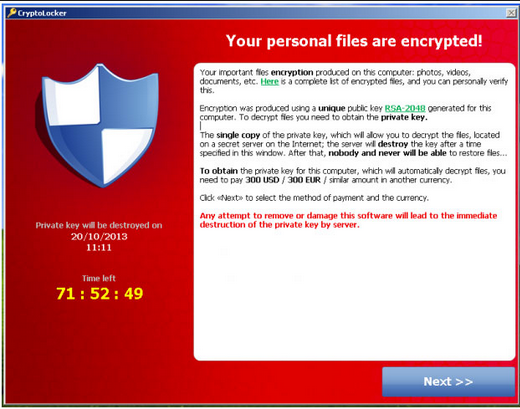
Did your files encrypted by
RSA-2048? What is it? It is known as the strong encryption which is used by
cryptowall 3.0. With this ransomware on your computer, it can encrypt your personal files like jpg, doc,xls,ppt,png, etc. and you will be asked to pay for a certain amount money to get your files decrypted. To get your files decrypted, we need to get the private key and public key together. However, it will ask you to pay for the private key. It is suggested to call the bank before you decide to pay for the ransomware for you can’t surely get your files back after paying the so-called fine.Therefore, we won't suggest you to pay for the ransomware and it would better to remove it ASAP before it encrypt more of your personal files.Besides, it is necessary for your computer security to get used to backup your files.
One the other hand, some computer users reported that they can’t get this cryptowall 3.0 off their computer, no worries, you are welcome to follow the removal guide listed below: